
ClassroomHUB
A downloadable tool for Windows and Linux
🎓 ClassroomHUB — User Guide
Welcome! This guide will walk you through everything ClassroomHUB has to offer, from setup to daily classroom use. Let's get started! 🚀
🔑 Getting Started
License Activation:
The first time you launch ClassroomHUB, you'll be asked to enter your license key. 🗝️
Once activated, the app will periodically verify your license in the background. Don't worry if you're offline for a bit — you can keep working without interruption. ✅
🌐 Portal Login (Optional): https://classroomhub.gatotaku.com/pricing
Signing in connects the desktop app with the ClassroomHUB web portal, letting you sync:
👩🎓 Students
📚 Activities
📈 Progress
📝 Vocabulary
Prefer to stay offline? No problem — ClassroomHUB works completely offline too. 🔌
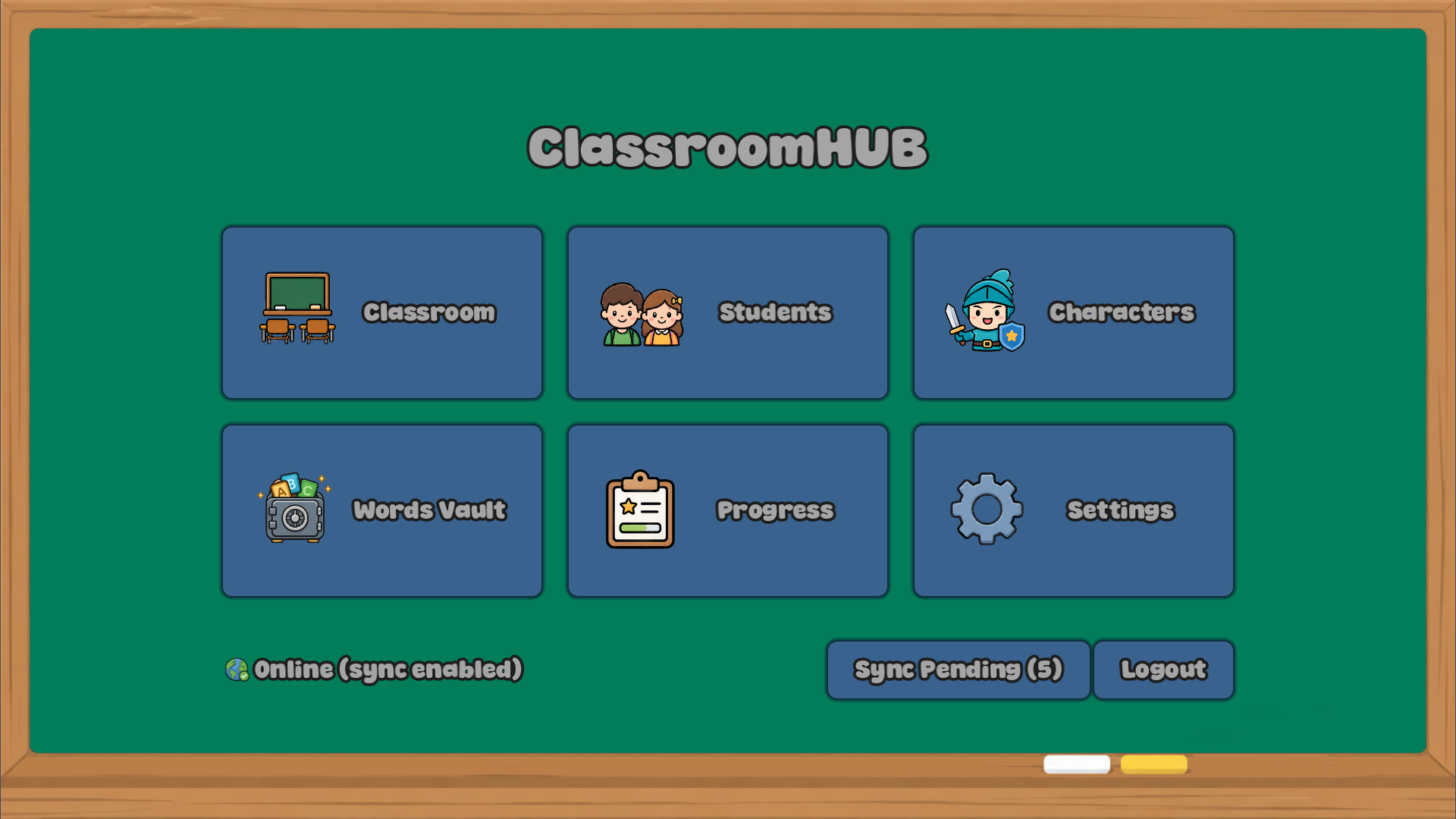
🧭 Main Menu
From here you can quickly jump to:
Section What it's for
🏫 Classroom Teaching activities
👩🎓 Students Student profiles & progress
🎭 Characters Avatars
📖 Words Vault Vocabulary bank
📊 Progress Reports & stats
⚙️ Settings App configuration
A little connection indicator always shows whether portal sync is available. 🟢🔴
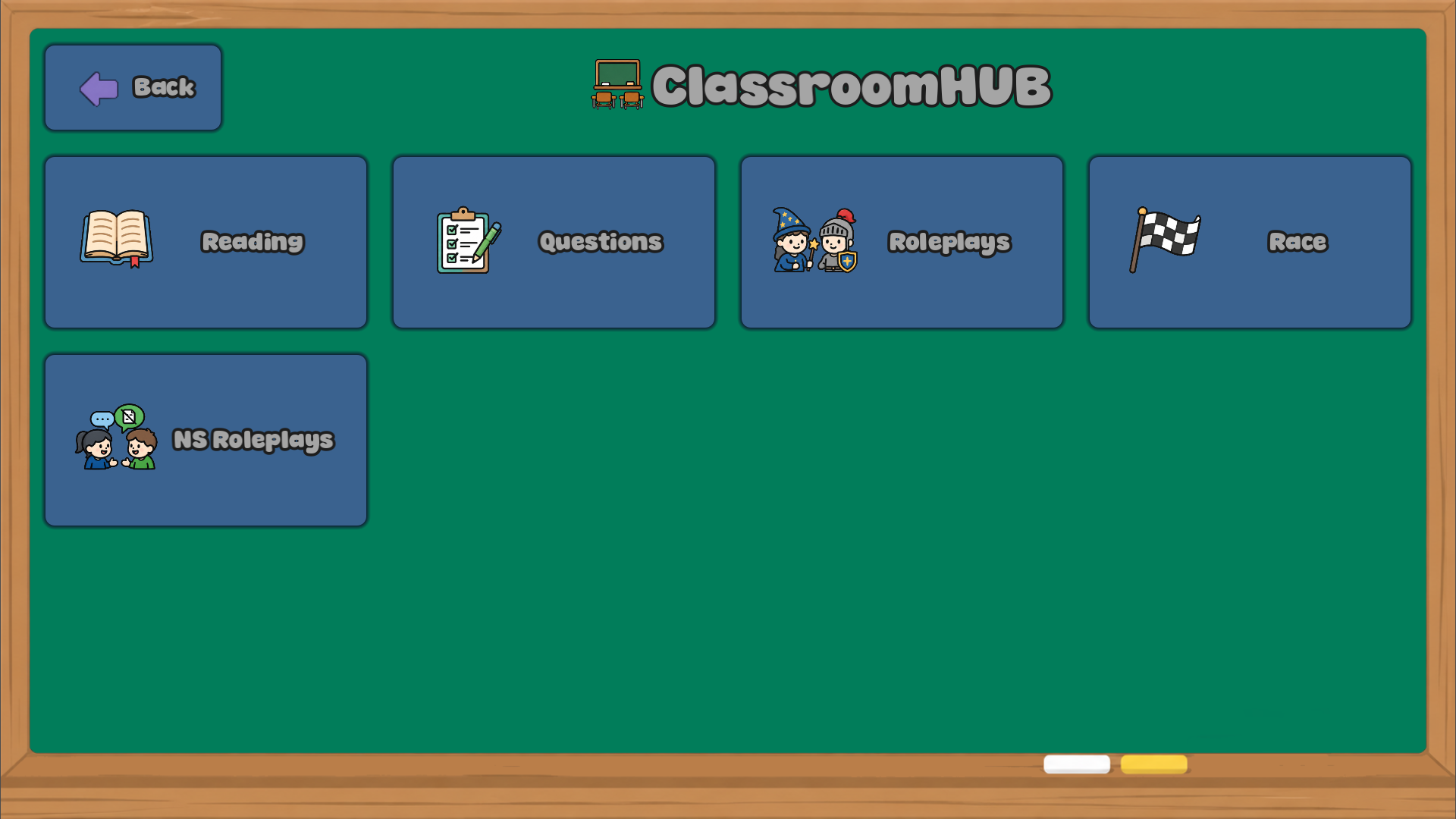
🏫 Classroom:
This is where the teaching magic happens! It includes:
📗 Readings
❓ Questionnaires
🎭 Roleplays
🏁 Races
🃏 NS Roleplays
🏆 Questionnaire Races
Every activity can be created, edited, duplicated, organized, and deleted, and you can group them into folders to keep your lessons tidy and organized. 🗂️
👩🎓 Students
Manage your whole classroom roster in one place!
You can:
✏️ Create and edit student profiles
🧑🎤 Assign avatars
🗒️ Store custom information
📈 Track learning progress
🔤 Manage difficult words
🔄 Synchronize with the online portal
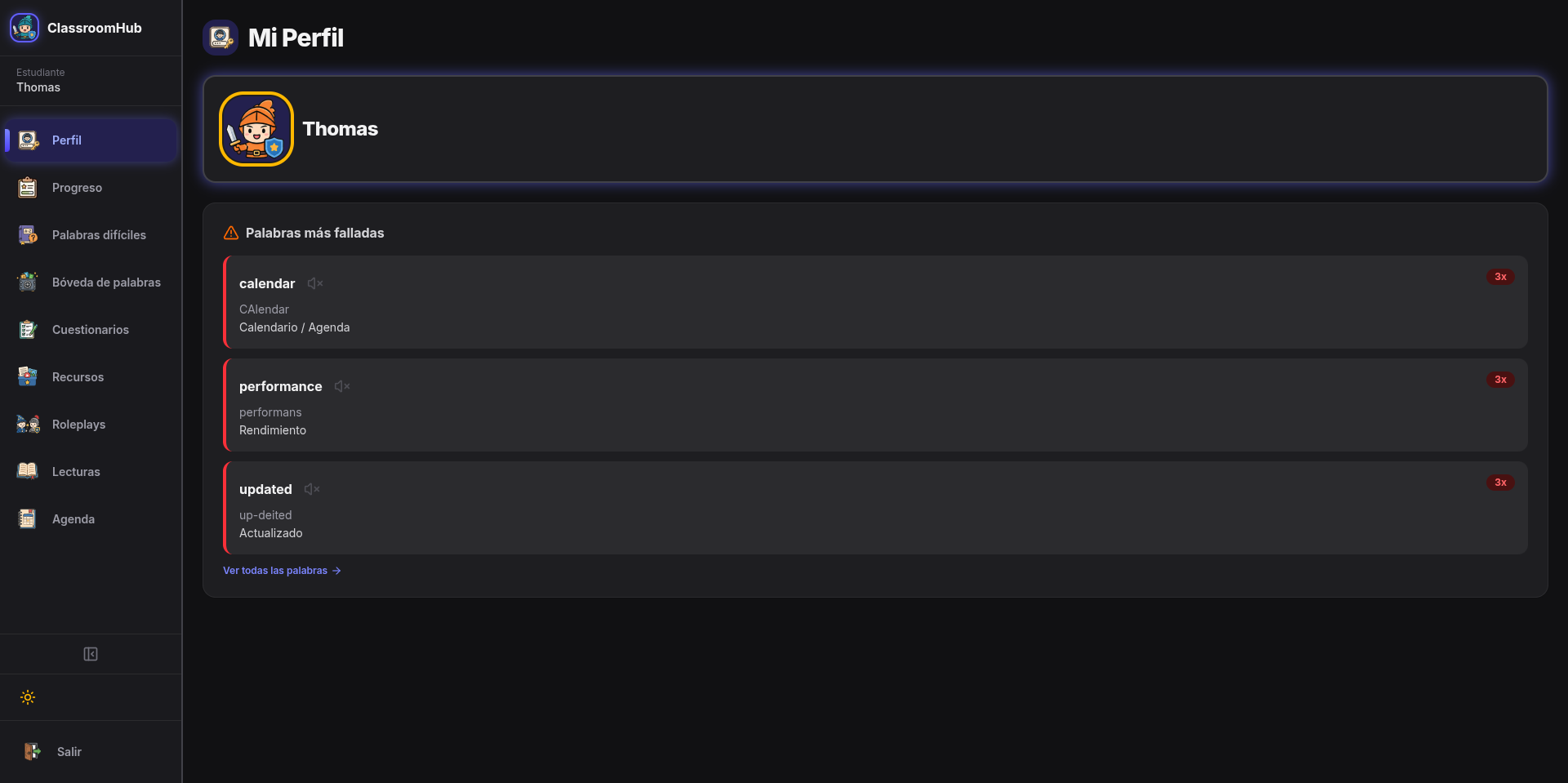
💡 Tip: Each student's difficult words list includes pronunciation and meaning, so you can help reinforce vocabulary over time.
🎭 Characters
Pick from the built-in character collection, or get creative and design your own using custom images! 🎨
Characters can be assigned to students to make the classroom experience feel more personal and fun. ✨
📖 Words Vault
Think of this as your classroom's vocabulary treasure chest! 💰
Features:
🔍 Search words
✏️ Edit pronunciation and meaning
📥 Import from students
📤 Import or export text files
📋 Import Format
One word per line:
apple apol Red fruit
book buk Something to read
📌 The first value is the word, the second is the pronunciation, and everything after that is the meaning.
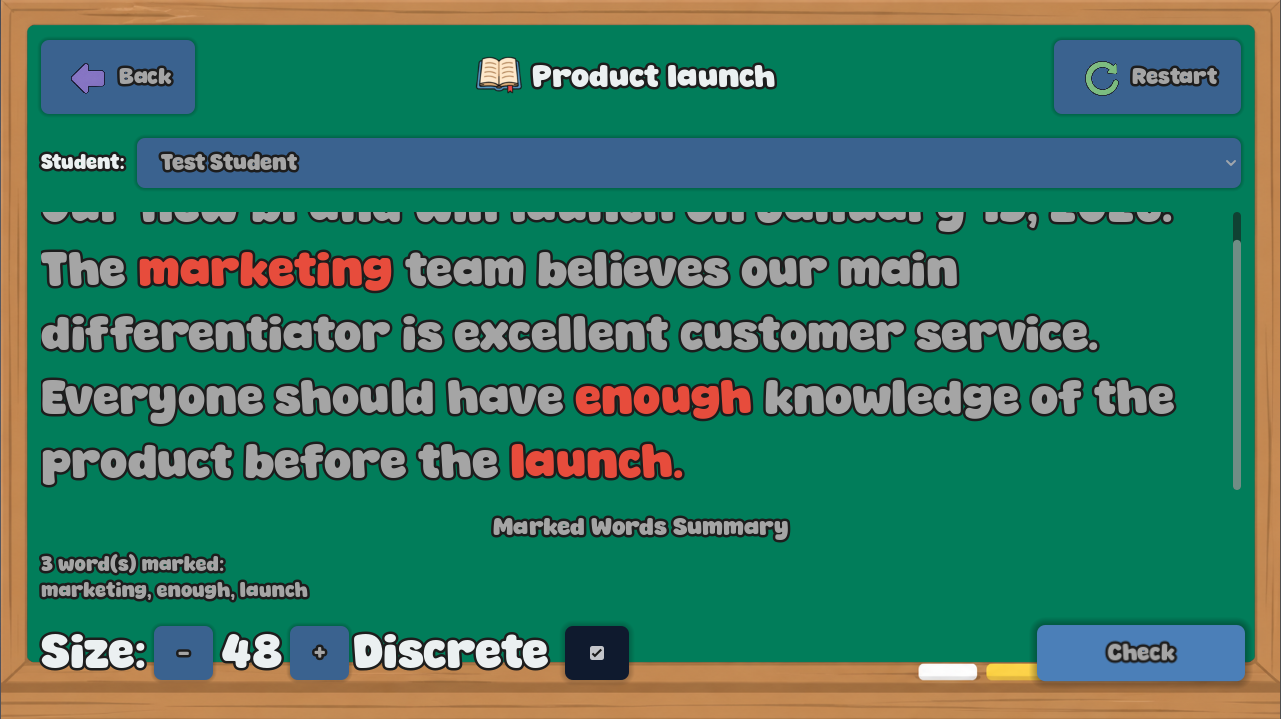
📗 Readings
Create reading activities using plain text. 📃
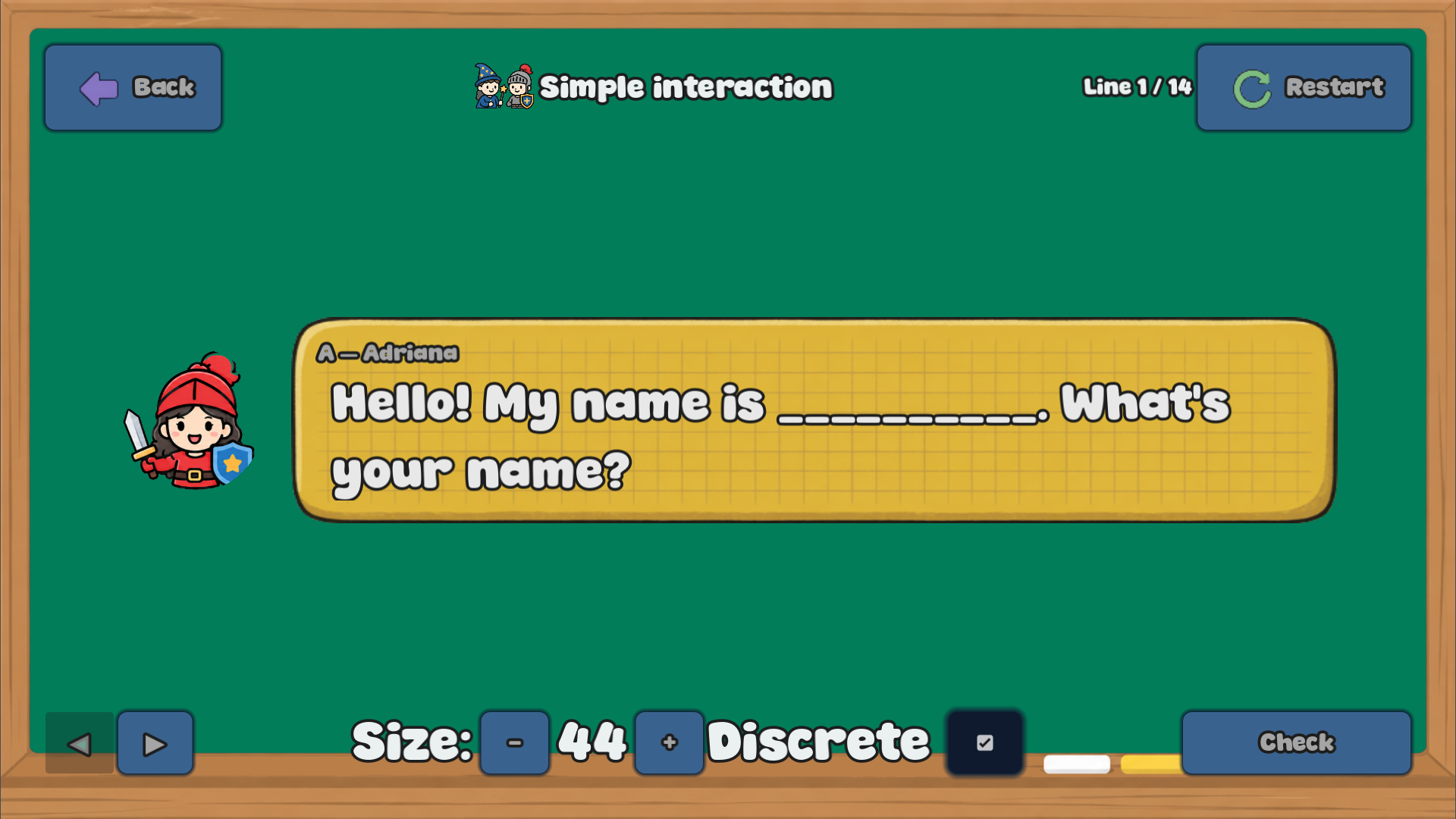
During class, just click any word a student mispronounces — at the end when click on Check it's automatically saved for later review or portal sync. 🖱️✅
Extra tools:
🔠 Adjust reading font size
🤫 Enable Discrete Mode for silent marking
❓ Questionnaires
Build quizzes with:
⚪ Single-choice questions
🔘 Multiple-choice questions
Students get instant feedback, and their scores are automatically recorded for progress tracking. 🎯
🎭 Roleplays
Create conversations by assigning dialogue lines to different characters. 🗣️
📋 Import Format
Teacher: Good morning.
Student: Good morning!
Teacher: How are you?
📌 Each line must follow the format: Character: Dialogue
During class, assign characters to students and keep tracking those tricky words as they read! 📖
🏁 Races
Turn learning into a competition! 🏆 Create games using text prompts, with optional images and audio.
Students earn points as they complete challenges — until reach the goal! 🥇
📋 Import Format
Read the word: apple
Count to ten.
Name three colors.
🃏 NS Roleplays (Non-Sequential Roleplays)
No scripts here — just cards! Each card has an image and custom info that students use to improvise their responses. 🎲
Perfect for natural speaking practice without memorizing dialogue. 💬
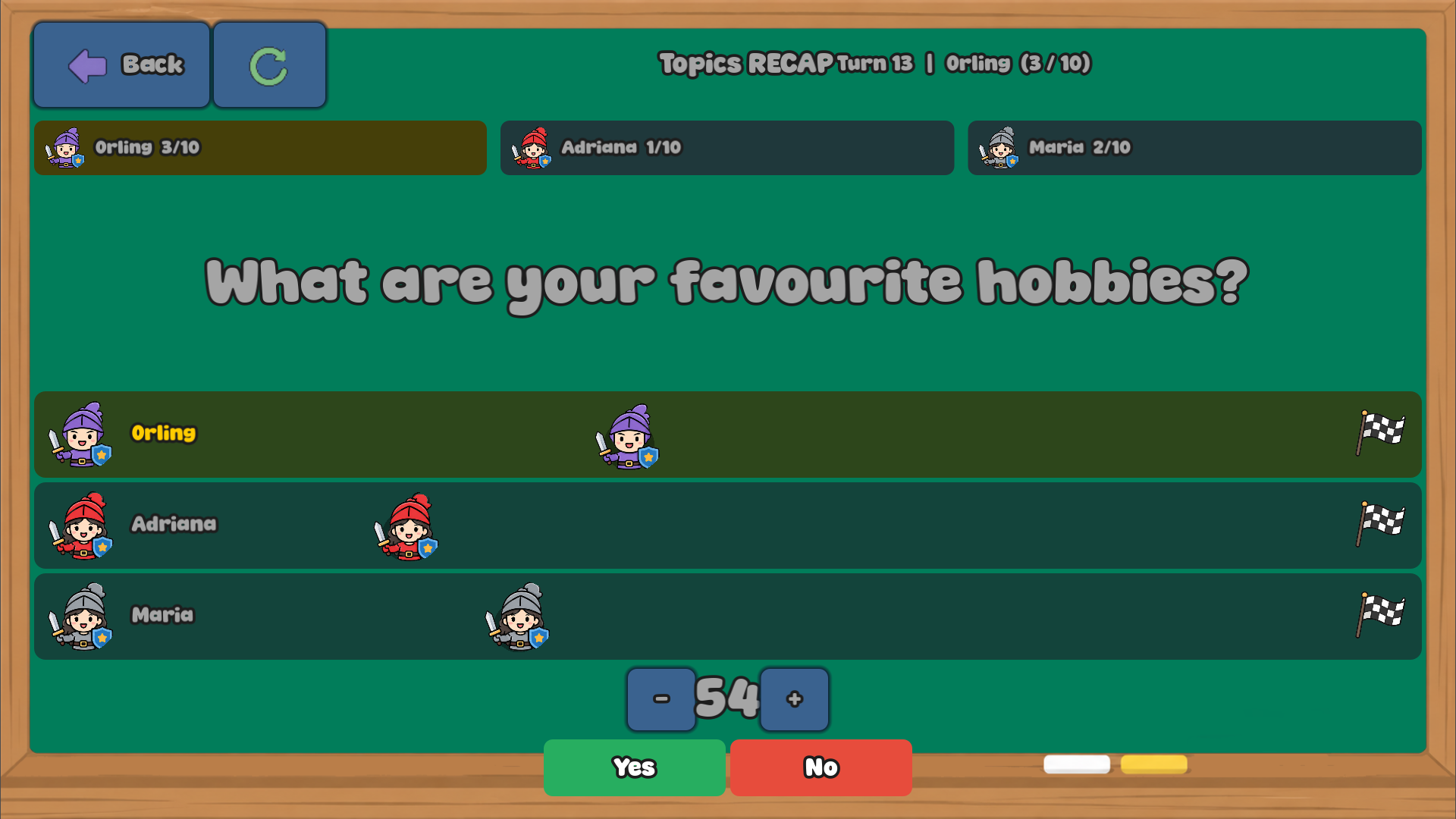
🏆 Questionnaire Races
The competitive cousin of Questionnaires! 🏎️
Students answer questions individually while their avatars race across the track based on correct answers. Questions can include images and audio for extra engagement. 🖼️🔊
📊 Progress
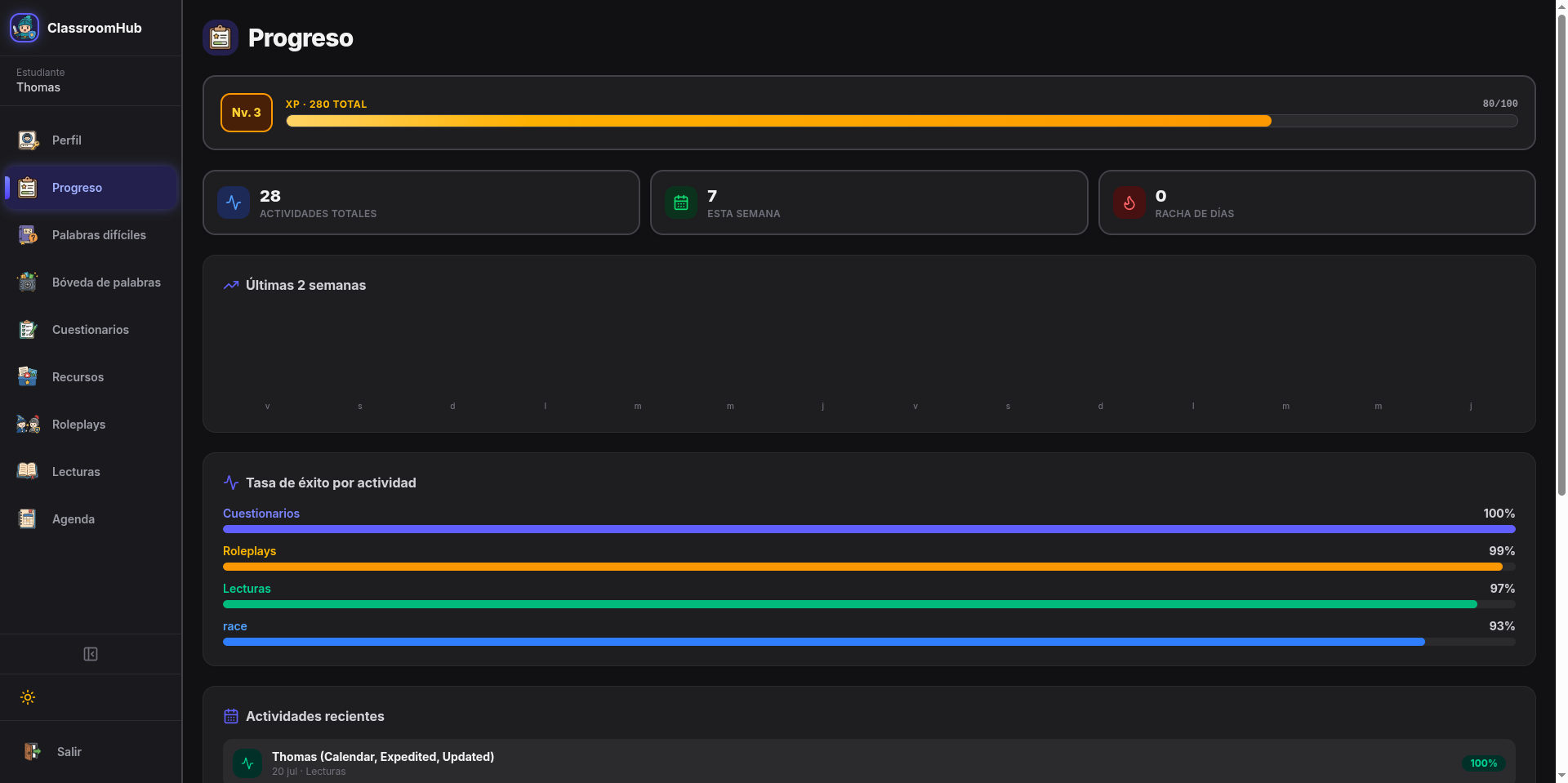
Your classroom's report card, all in one view! 📈
👀 View statistics by class or by individual student
⏪ Review previous sessions
📆 Track learning progress over time
⚙️ Settings
Make ClassroomHUB fit your workflow:
🖥️ Fullscreen mode (recommended)
🔊 Interface sounds
⌨️ Popup shortcut (Used to show a text box at any moment, useful to provide visual feedback immeadiately)
🗝️ License management
🌐 Portal login
🔄 Synchronization
🛠️ Database tools
🔔 Update checker
🔄 Synchronization
The Sync Dashboard shows all pending items waiting to be uploaded to the portal. You can sync individual categories, or upload everything at once with a single click. ☁️⬆️
🎵 Supported Audio Formats
ClassroomHUB plays nicely with:
.wav
.mp3
.ogg
✨ That's it! You're now ready to explore ClassroomHUB with confidence. Happy teaching! 🍎📚
Download
Leave a comment
Log in with itch.io to leave a comment.